Make the day’s work easier.
You need a dashboard, staff tool or customer flow that works with real records. I can join an existing React codebase or build a focused first version in React or Next.js.
Tell me what you’re working on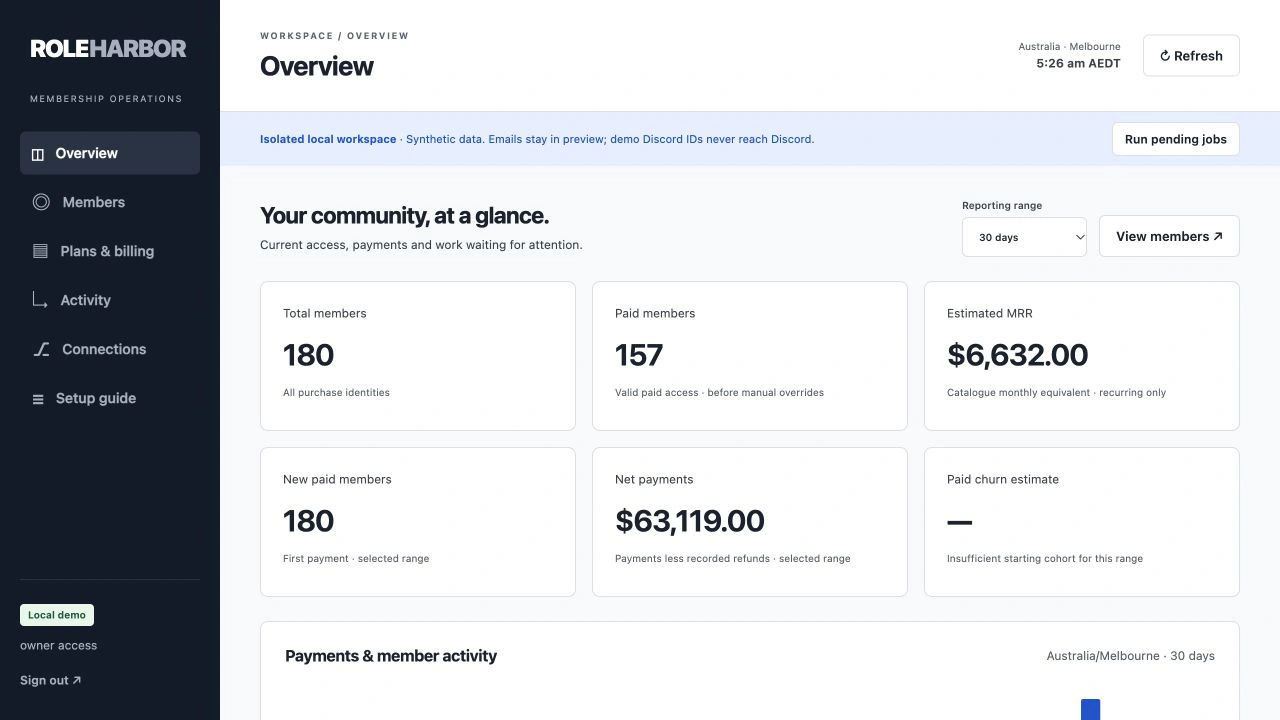
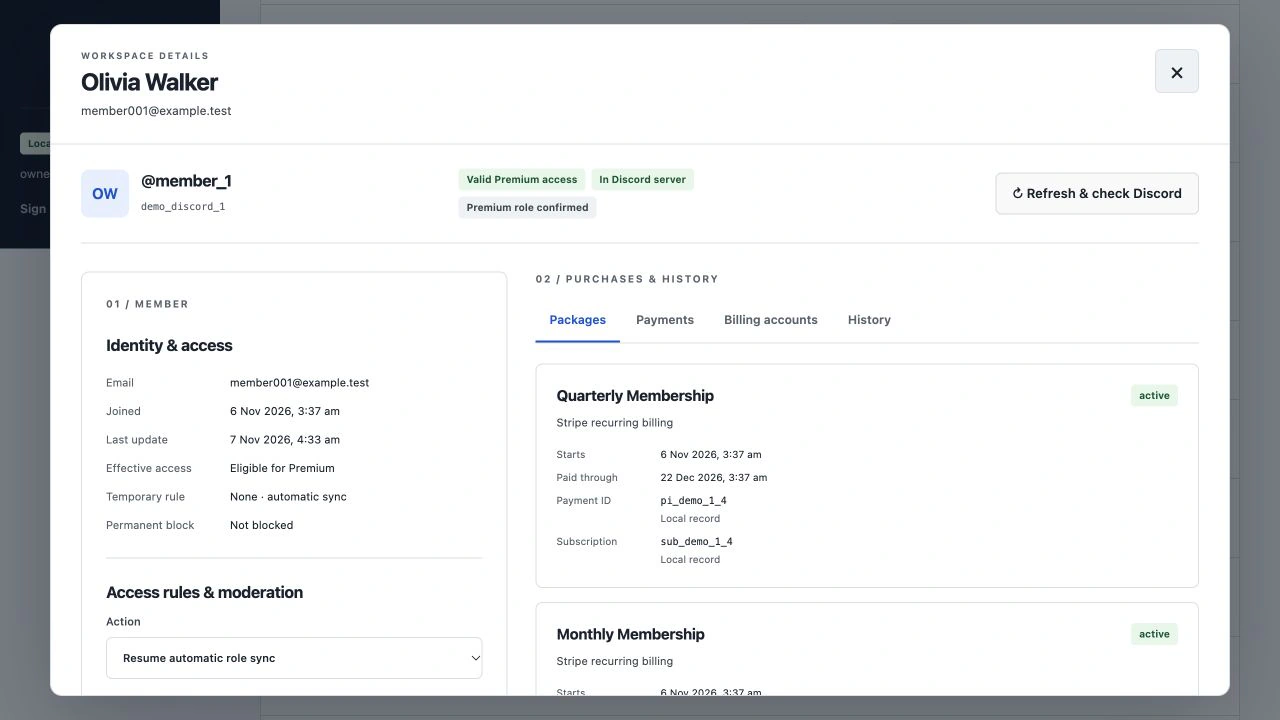
Start with the day’s membership activity, then open the record that needs attention.
Start with the task, not the chart.
A staff member searches for a customer, opens the right record and checks why access changed. Search, detail views, permissions and the history need to agree. A tidy dashboard is useful only if the next task is easy to complete.
What we can build.
- Responsive React / Next.js application screens
- Forms, tables, search and detail workflows
- Role-aware interface behavior and API integration
- Loading, empty, validation and recovery states
What to bring.
- User roles and workflow context
- Repository, design and sample data
- API behavior and authentication boundary
- A first task that should work end to end
A searchable member workspace
This is a starting point for a conversation. The final scope depends on your app, integrations and review needs.
- 01Map the staff task, user roles and records involved.
- 02Build the list, search, detail view and agreed record actions.
- 03Connect the API and show loading, empty, validation and failure states.
- 04Review desktop, mobile and keyboard use, then hand over the changes.
What we’ll check.
- A person can complete the agreed task with representative test data.
- Filters and selected records behave correctly after navigation.
- Validation explains the problem and preserves useful input.
RoleHarbor.
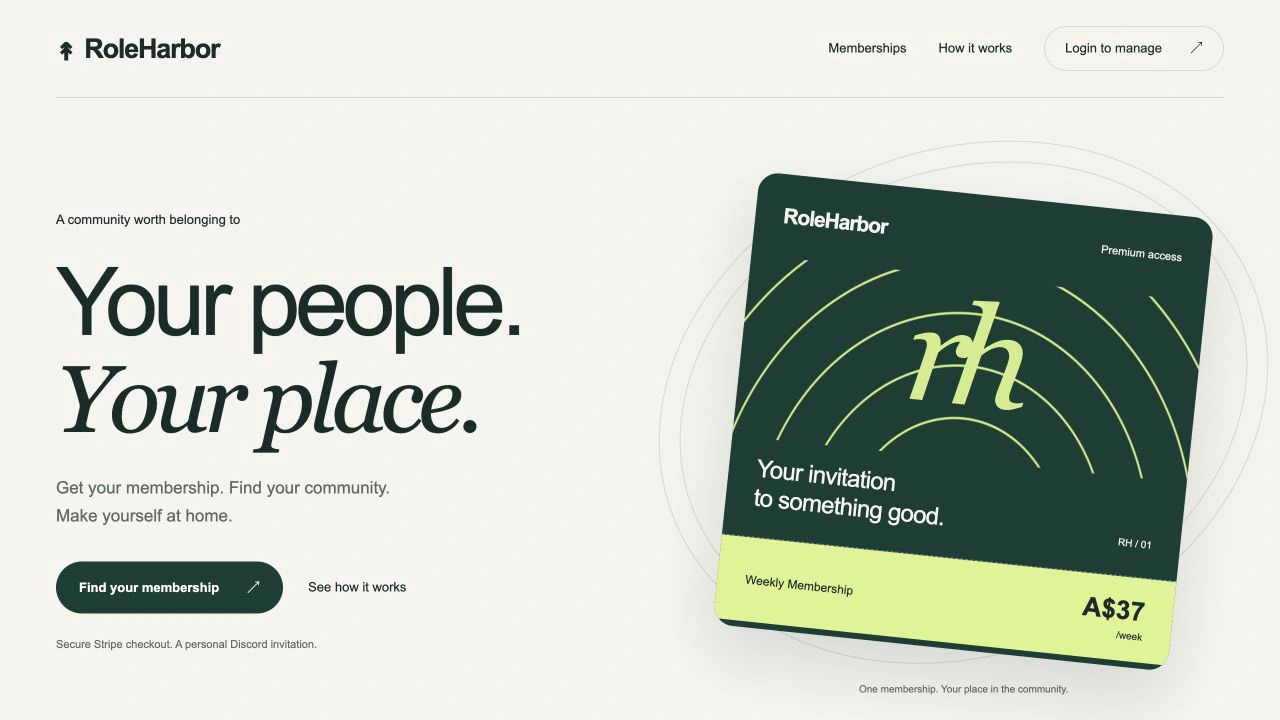
RoleHarbor brings a customer catalogue, searchable member records, payments and access history into connected ReactJS interfaces. The case shows how the customer and staff journeys fit together.
Before we start.
Can you work inside our existing app?
Yes. Share the repository and the task your users need to complete. We can start with a focused improvement and fit it into the way your team works.
Do you also build public Next.js pages?
Yes. We can include server-rendered content, metadata and responsive layouts in the scope. The choice between a public page and an authenticated app affects how it should be built.
Will it work on mobile?
We agree on the target screen sizes and tasks. Dense staff tools sometimes need a different mobile layout, rather than simply shrinking the desktop table.
Useful reading
- 01A public website and a staff app have different jobs
Map public pages and staff tasks before choosing the rendering, access and data boundaries for a React or Next.js project.
- 02Designing a React staff tool around one customer record
Plan a ReactJS staff workspace around the questions your team needs to answer: find a customer, understand their history and choose the right next action.
- 03Agentic development: specs, tests and human review
How AI coding agents can help with specs, development, tests and QA/QC, with clear responsibilities for the developer, product owner and human reviewer.
- 04React staff roles: hiding a button is not a permission check
Plan staff permissions for a React app: who can read or change records, where the API checks access, and what happens when a role or session changes.